
Moat
Make your shots worth showing.
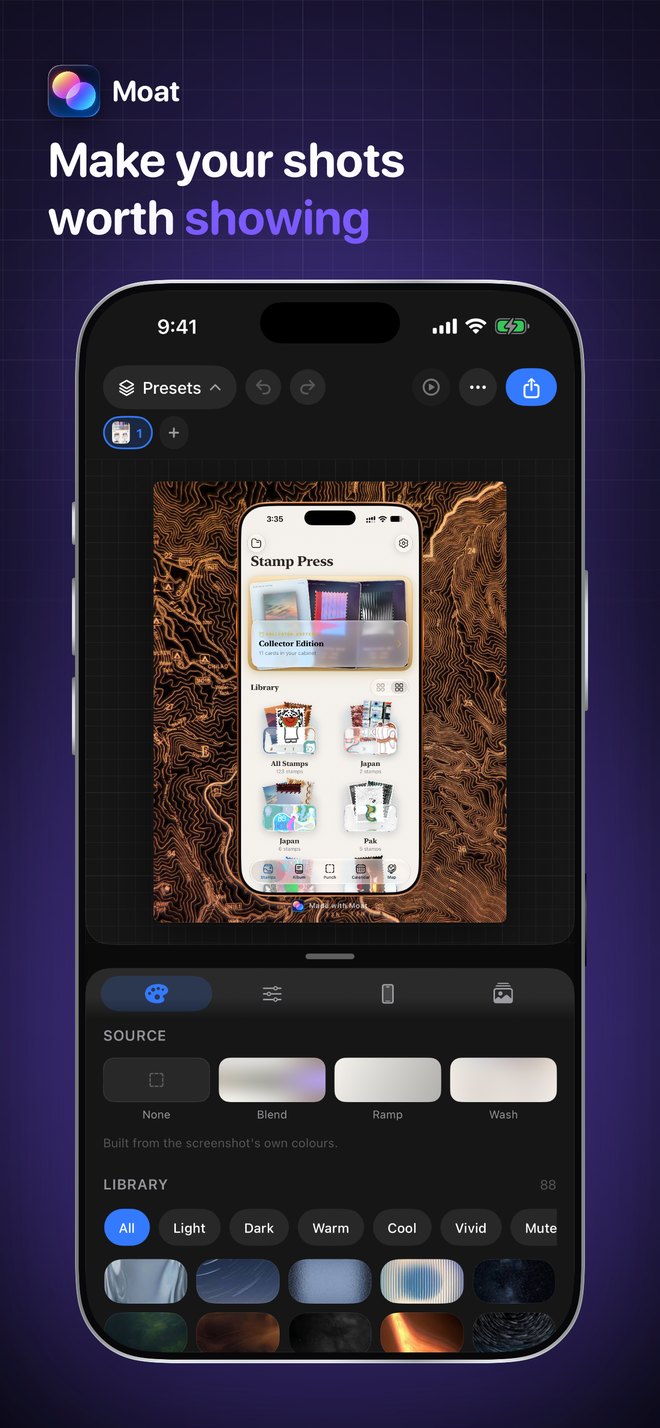
Moat does one thing well: it puts your screenshots on a background that makes them look considered. Pick up to three shots, optionally wrap them in a drawn iPhone, drop them on a gradient, export. No annotations, no arrows, no cloud account.
See it working.
← scroll for more →
What it does.
Everything is drawn, not stamped — which is why a frame is still crisp at 4096 px.
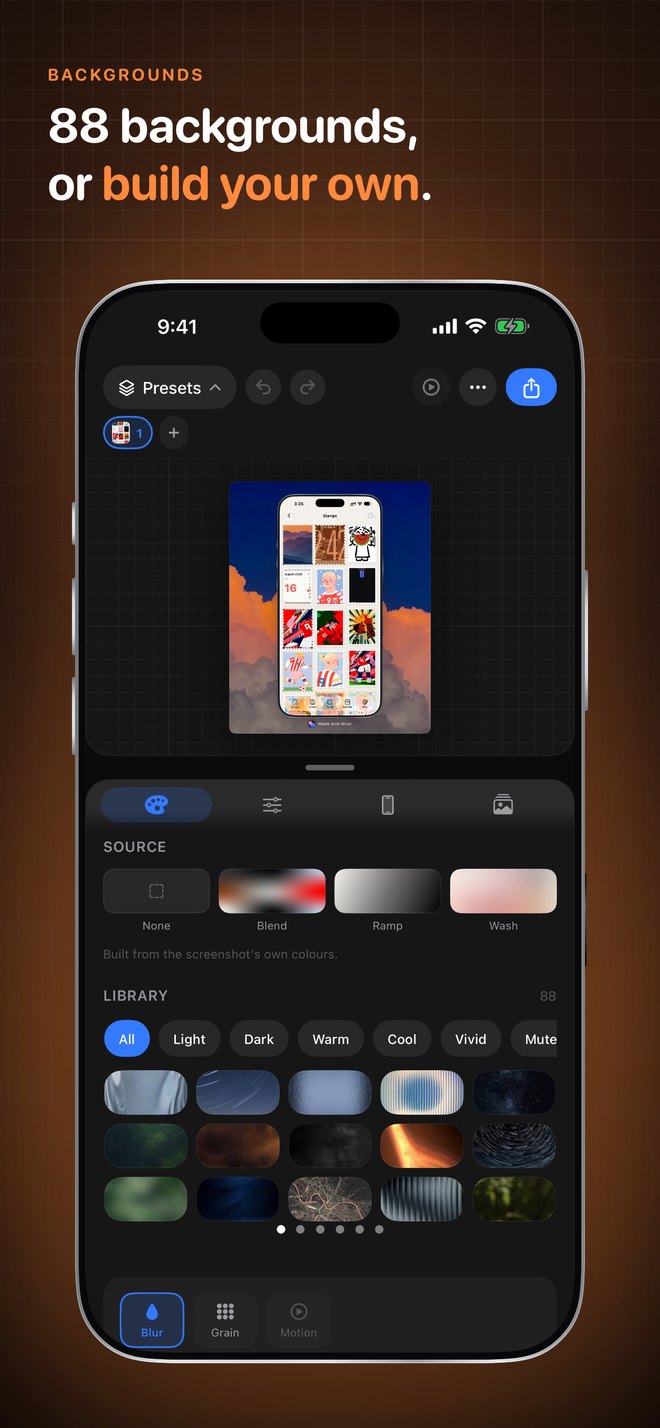
88 backgrounds
Shelved by what you actually pick on — Light, Dark, Warm, Cool, Vivid, Muted. Plus three Auto styles built from your screenshot's own dominant colours, your own images, 16 plain colours, and a blur slider.
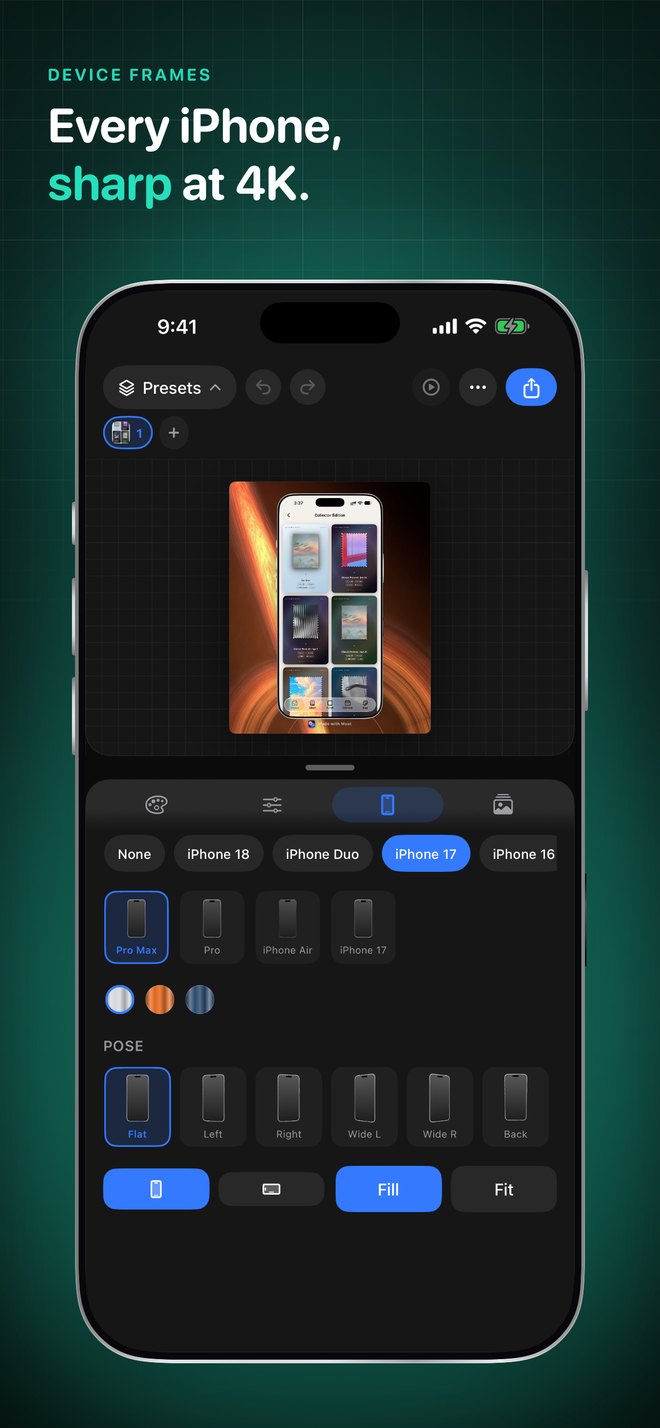
Every iPhone, drawn
19 devices from the iPhone Duo down to the SE, in 12 finishes, either orientation. Body, corner radii, Dynamic Island, side buttons and Camera Control are all geometry — so they stay sharp at any export size.
Layout that behaves
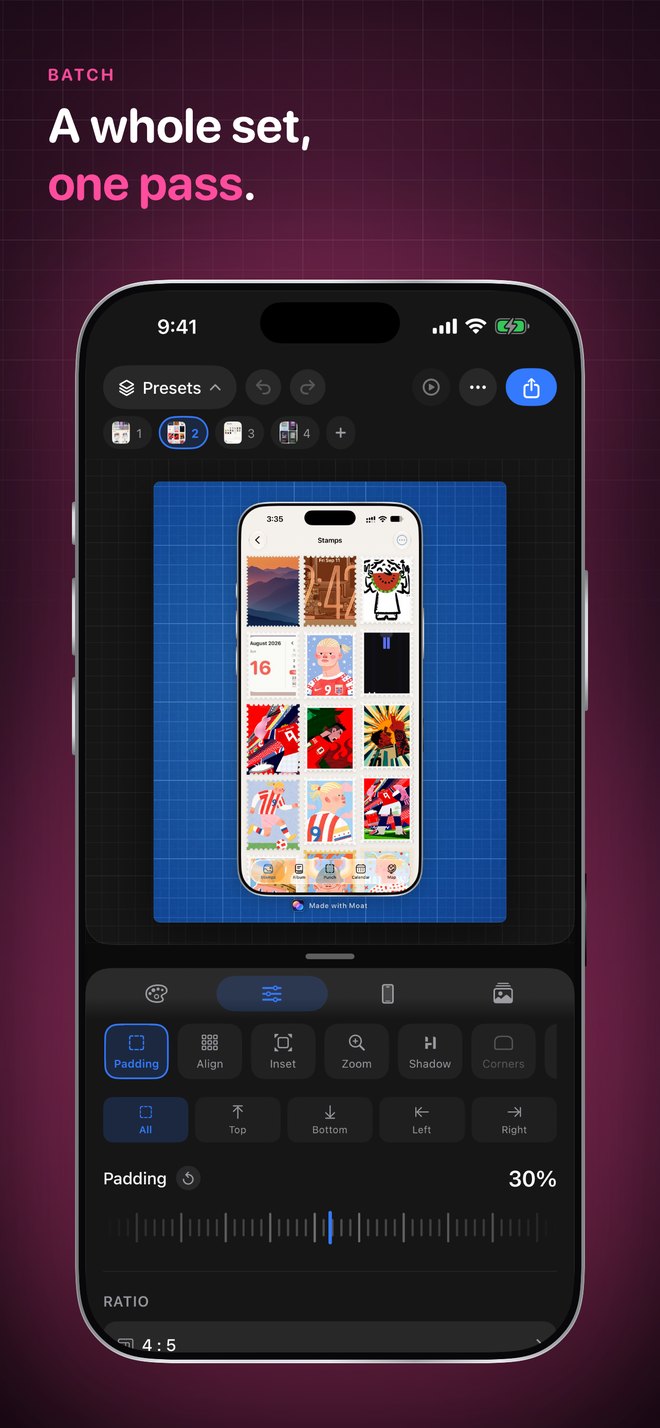
Padding, inset, shadow, rounding, a 3×3 alignment pad, eight output ratios and auto-balance — on Photos-style tick scrubbers. Double-tap any one to reset it.
Two or three at once
Share a canvas as a row, a fan, or a stack — a whole App Store set in one pass instead of five exports.
Non-destructive crop
Tap any shot to trim it. The original image is always kept, so re-cropping never compounds. Free or locked to an aspect.
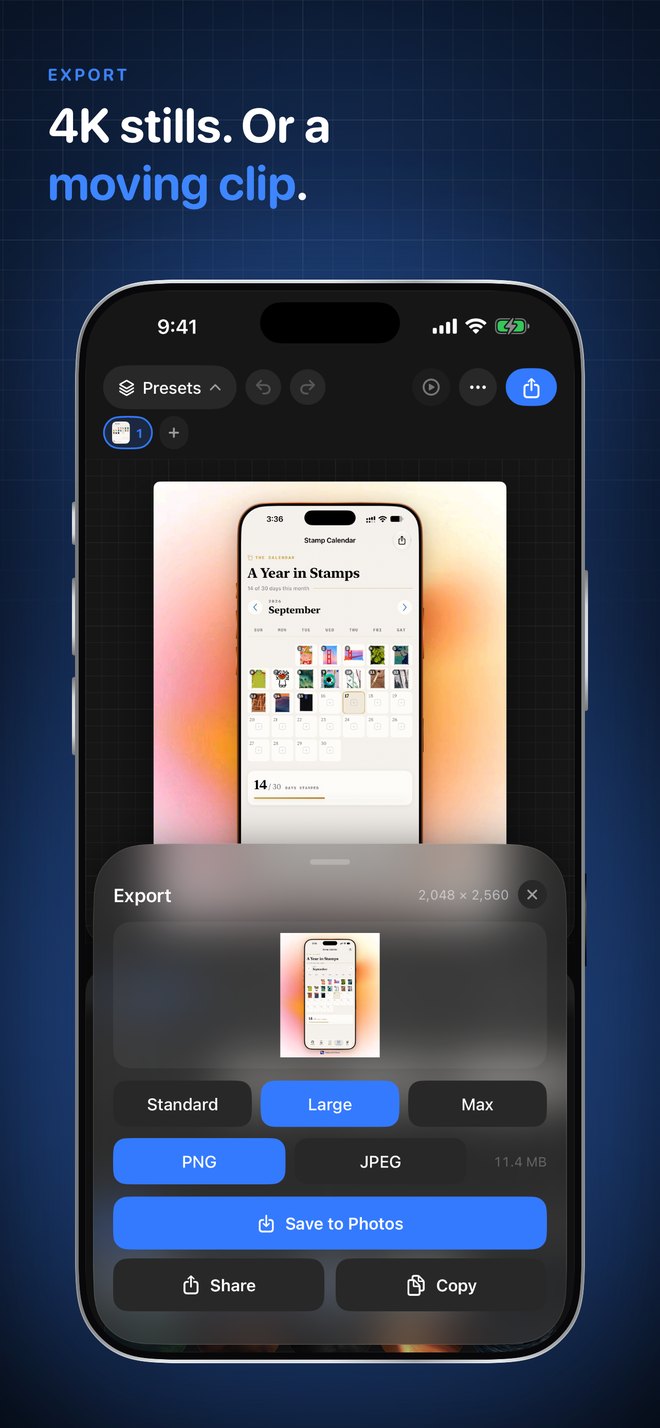
4K stills, or a clip
Export at 1600, 2560 or 4096 px as PNG or JPEG — or a moving clip. Straight to Photos, the share sheet, or the clipboard.
Presets save the look, never your screenshots
- A preset stores background, spacing, shadow, frame and ratio — so one look applies to any image you throw at it.
- No account, no sign-in, no cloud. Moat has no server; your screenshots never leave your iPhone.
- Free to use — five exports a week. A single one-off purchase removes the limit forever. No subscription.
Questions, or something broken?
We answer every email ourselves, usually within two business days.